

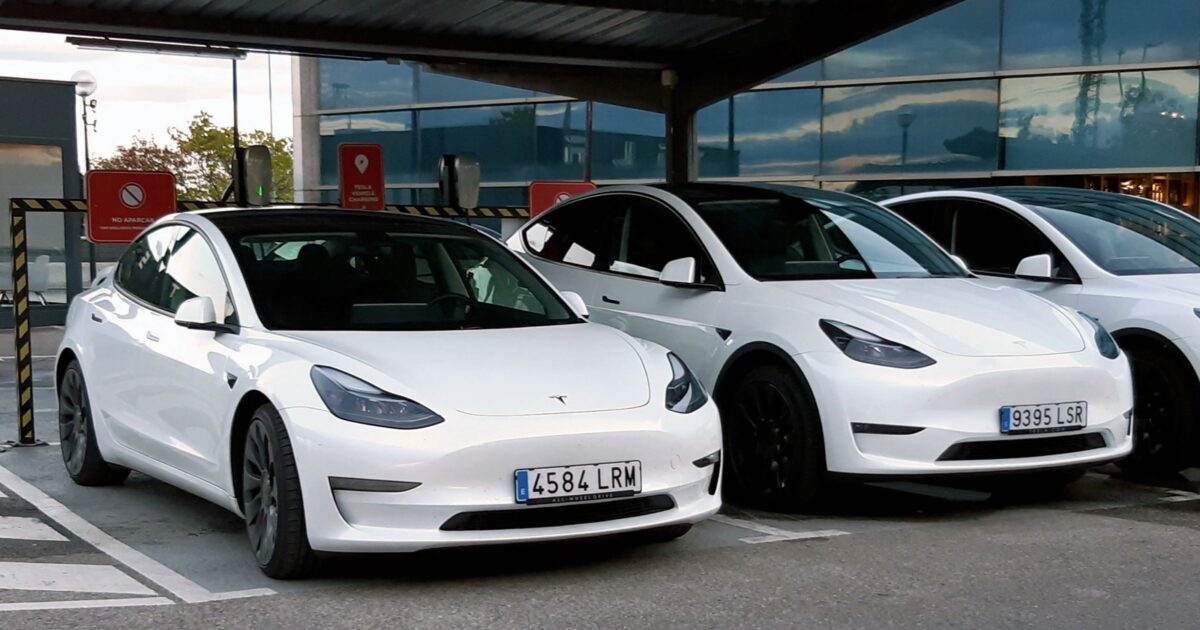
Tesla just turned its two highest-volume vehicles into another layer of home backup power.
Eligible Model 3 and Model Y owners can now connect their cars to a compatible Powerwall system and use the energy sitting in the vehicle battery when the grid goes down.
The expansion matters because Powershare is no longer a Cybertruck-only feature. Tesla says every Model 3 and Model Y ordered in the United States or Puerto Rico after October 1, 2026 is capable by default.
That puts home backup inside the same package many buyers were already considering as a daily driver.
Tesla Support says Standard versions of Model 3 and Model Y can add up to two days of backup energy. Premium and Performance versions are rated for more than two days, while Cybertruck remains above three days under the same household-use assumptions.
Those are estimates, not promises. Tesla bases them on an average American home using 30 kilowatt-hours per day and a vehicle beginning the outage at a 90 percent charge.
A larger house, electric heat, heavy air-conditioning or a lower starting charge will shorten the window for owners, sometimes by a wide margin.
The hardware also matters. A Model 3 or Model Y cannot simply plug into any house and start feeding it power.
For the new cars, Tesla requires a compatible Powerwall system plus either a Universal Wall Connector or Wall Connector 3. The Powerwall and connector must be registered to the same site and connected to the same Wi-Fi network before Tesla can enable Powershare through customer support.
Some older Model 3 and Model Y vehicles may qualify, but Tesla is not making a blanket promise for every car already on the road. Owners can check by opening the vehicle menu, selecting Software, then Additional Vehicle Information and looking for the Powershare Support field.
The support page also separates home backup from portable power. A compatible Gen 3 Mobile Connector and Tesla Outlet Adapter can run devices through the charge port, but that does not replace the Powerwall equipment required to energize a house.
Tesla’s Model 3 Owner’s Manual lists vehicle firmware 2026.32.6 or newer and Tesla app version 4.60.0 or newer as the software floor. Powershare must also be enabled in the car’s charging controls.
During an outage, the vehicle begins supplying the home automatically while it remains connected to the Wall Connector. It stops when the battery reaches the owner’s chosen discharge limit, preserving enough range for the next drive.
The touchscreen displays the Powershare icon while the car is sending energy to the house. The charge-port light also turns green, giving the owner a visible confirmation that power is flowing in the opposite direction from normal charging.
That discharge control is important. A backup battery bolted to the garage wall never needs to take anyone to work the next morning.
A car does.
Tesla Energy Library shows Model 3 and Model Y support as available now with Powerwall 3 and a compatible Wall Connector. It lists Powerwall 2 and Powerwall+ support as coming later.
The same document says a Powerwall-equipped installation does not use a separate Powershare Gateway. The existing home battery system handles the safe separation from the grid, while the connected car adds a much larger pool of stored energy.
Tesla also warns installers not to add a Powershare Gateway to a Powerwall system or run separate communication wiring between the Wall Connector and Powerwall equipment. The supported design uses the hardware already assigned to the Powerwall site.
That is the real change here. Powerwall still manages the house, while the vehicle extends how long the system can keep going.
Solar Power World reports that new Powerwall 3 and Wall Connector installations can be enabled without additional electrical equipment. Existing systems may need an installer to confirm that the connector sits inside the backed-up circuit, that the site meets local electrical rules and that the system can be enabled safely.
The industry publication also notes the strategic point: Tesla is tying its vehicle and energy businesses together in a way that makes each product more useful. A car battery spends most nights parked, while a stationary Powerwall is designed to manage the home continuously.
Powershare gives that parked capacity a second job during an outage.
Tesla’s current software push includes a very different kind of backup plan, too.
The company now has an Emergency Drive Away feature for supported vehicles at U.S. Superchargers. In a genuine emergency, the driver can override the normal lockout and shift into Drive without first getting out to remove the cable.
That reverses one of the oldest charging safeguards in Tesla’s software. The normal interlock keeps a plugged-in car in Park, so the emergency mode requires a deliberate on-screen confirmation before the vehicle will move.
Tesla Charging demonstrated the escape feature on video:
Emergency Drive Away lets you shift into Drive while still plugged into a Supercharger pic.twitter.com/40GSzyP4lG
— Tesla Charging (@TeslaCharging) October 1, 2026
Drive Tesla reports that the car presents a warning and requires the driver to activate the override. Tesla warns that using it will damage the vehicle and charging equipment, and a short camera recording is sent to the company for review.
It is not a convenience feature. It is an escape hatch for the rare moment when property damage is a better outcome than staying trapped at a charging stall.
The current rollout is limited to U.S. Superchargers and excludes pre-refresh Model S and Model X vehicles. Drivers should expect repairs after using it, even when the emergency itself leaves the car untouched.
Put the two changes together and Tesla’s software strategy looks unusually practical. One feature lets a parked car keep a home running.
The other lets a charging car get its occupants out of danger.
Neither replaces good hardware, proper installation or common sense. Both make the battery and software already inside the vehicle more useful when normal plans break down.
Join the conversation!
Please share your thoughts about this article below. We value your opinions, and would love to see you add to the discussion!