

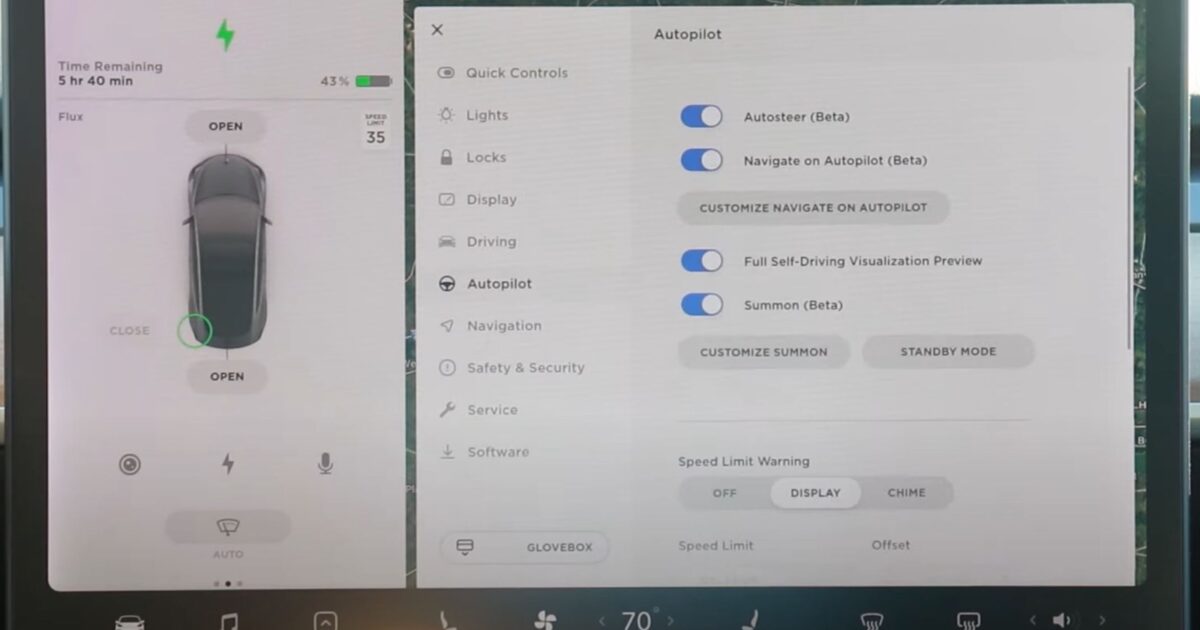
Tesla owners have a new way to see exactly what their car sees, and it stays on screen while the vehicle is moving.
The trick is a multi-camera grid that shows live feeds from all nine cameras at once. You open it from Controls > Service while parked, then shift into Drive, and the layout sticks.
The important nuance: Tesla has not presented this as a normal driving shortcut. It is a diagnostic-style Service Mode behavior that owners have figured out and started sharing.
By June 20, Tesla-focused accounts were passing around the camera-preview report because it gives owners a hidden, real-time look at the vision stack behind Autopilot and FSD.
#Tesla's Camera Previews Are Now Viewable While Drivinghttps://t.co/CfSrWAChRM pic.twitter.com/NPV5Eg2Q47
— TheTeslaLife (@TheTeslaLife) June 20, 2026
The grid utility goes back to software update 2023.20, but it used to close the moment you shifted out of Park.
What changed is the persistence. Activate it while parked, drop into Drive, and the live multi-camera view stays up.
Not a Tesla App walked through how the behavior works in practice and why owners noticed it now.
The outlet says the camera grid was originally introduced in software update 2023.20, but the old behavior was Park-only. If the driver shifted out of Park, the multi-camera view closed, which kept the feature mostly in the garage-and-diagnostics world.
The newly highlighted behavior changes that experience. The display can show all nine camera feeds simultaneously at regular road speeds, and the driver can tap any single feed to open it full-screen, then use the grid icon to return to the full layout.
The limitation matters just as much as the feature. The interface still has to be opened from Controls > Service while parked.
If the driver dismisses it while moving, it cannot be pulled back up until the car comes to a complete stop and goes back into Park.
That gate keeps the story grounded. Tesla owners get a rare live look at the camera stack, but the behavior still lives behind a diagnostic path rather than the normal driving UI.
The practical value is camera visibility. Instead of guessing whether road grime, glare, weather, or a blocked lens is affecting what the car sees, owners can look directly at the individual camera feeds and understand the system from the car’s point of view.
This camera-preview story sits inside a broader push by Tesla to make camera visibility easier to check and service.
The 2026.20.3 release notes list a June 17, 2026 release date and a stack of additions: Dashcam Clip Encryption, Parental Controls, Hey Grok, Security Improvements, and Service Mode Improvements.
The Service Mode piece is the relevant one here. Tesla added a Forward Camera View Cleaning panel under Driver Assist, with a live camera stream and zoom.
It is supported on Model 3, Model Y, 2021-and-newer Model S and Model X units with DAS AI4, and Cybertruck. The same update also tucked Drive Unit signal-chart popups into Service Mode Plus, so this release reaches past the consumer dashboard and into the diagnostics that technicians and serious owners lean on.
Why does any of this matter for camera visibility? Because owners sometimes get limited-visibility alerts even when the windshield looks spotless from the outside.
Not a Tesla App covered that problem when Tesla first added the camera-cleaning guide to Service Mode, and the details explain why this new driving view matters beyond owner curiosity.
The issue the earlier report highlighted is usually haze or film inside the windshield camera housing, not the exterior glass a driver can wipe in a parking lot. Tesla’s Service Mode guide gives technicians and owners a live forward-camera stream with zoom, walks through the cleaning and verification flow, records completion in the vehicle history, and resets the Driver Assistance System after the service step.
That background makes the moving multi-camera grid more useful than a novelty. It sits in the same Service Mode universe as Tesla’s camera-cleaning tools: owners get a clearer way to see whether the car’s vision hardware is clean, aligned, and producing usable feeds, while Tesla still keeps the controls behind a parked diagnostic path instead of the normal driving interface.
Tesla's Camera Previews Are Now Viewable While Driving https://t.co/bvXuyFU8zZ pic.twitter.com/KzZ7bgZI9a
— Not a Tesla App (@NotATeslaApp) June 20, 2026
None of this is a green light to fiddle with diagnostic screens at speed. The smart way to read it is simple: Tesla keeps giving owners cleaner ways to confirm the cameras are working, and the nine-camera grid is a sharp little look under the hood for anyone who likes knowing exactly what their car sees.
Join the conversation!
Please share your thoughts about this article below. We value your opinions, and would love to see you add to the discussion!